
Eleonor21
Escort
-
Debutó
-
Última visita
-
Preciosos hoy solo disponible 16:00 17:00 o 17:30
- 21 respuestas
-
- chilena
- CL
- 21
- certificada
-
Etiquetado con:
-
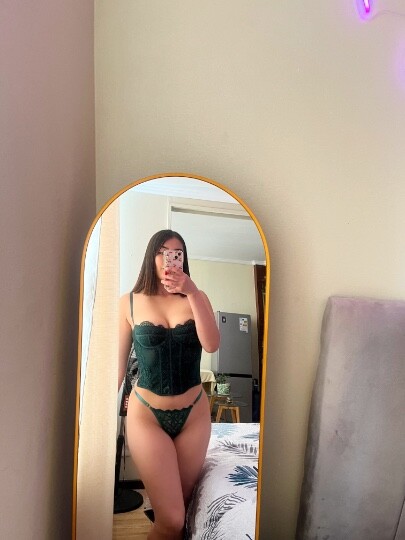
Hola mis amores!! Estaré disponible solo hoy y mañana, ya que me iré unos días a mi ciudad 🏙️ besos
- 21 respuestas
-
-

-

-
-

- 6
-
-
- chilena
- CL
- 21
- certificada
-
Etiquetado con:
-
Hola preciosos! Estaré disponible hoy, me quedan pocas horitas disponibles 💛
- 21 respuestas
-
- chilena
- CL
- 21
- certificada
-
Etiquetado con:
-
Preciosos estaré disponible hoy hasta las 19:00 PM 💗🥰
- 21 respuestas
-
- chilena
- CL
- 21
- certificada
-
Etiquetado con:
-
Preciosos! Tengo pocas horitas disponibles hoy, pregunten por disponibilidad 💗🥰
- 21 respuestas
-
- chilena
- CL
- 21
- certificada
-
Etiquetado con:
-
Mis amores tengo algunas horitas disponibles para hoy 🔥🔥
- 21 respuestas
-
-
- 1
-
-
- chilena
- CL
- 21
- certificada
-
Etiquetado con:
-
Preciosos tengo algunas horitas disponibles hoy 🥰 vengan a regalonear esta rica tarde de sábado
- 21 respuestas
-
-
- 1
-
-
- chilena
- CL
- 21
- certificada
-
Etiquetado con:
-
Preciosos tengo algunas horitas disponibles hoy 🥵 13.00 - 15.00 - 16.00 pm
- 21 respuestas
-
-
- 1
-
-
- chilena
- CL
- 21
- certificada
-
Etiquetado con:
-
-
Hola amor, yo recomiendo motel Lujo 💎
-
Preciosos, estaré estos días estudiando volveré el miércoles 🌸 nos vemos pronto!
- 21 respuestas
-
-

- 1
-
-
- chilena
- CL
- 21
- certificada
-
Etiquetado con:
-
-
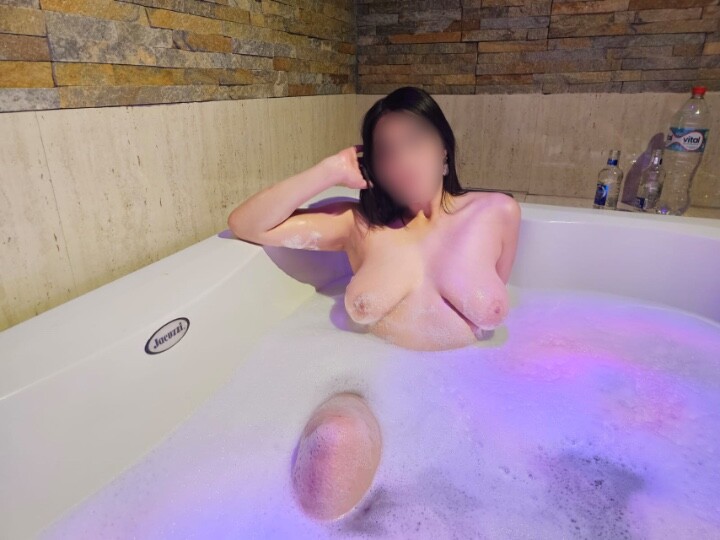
Preciosos estoy agendando sus horitas a partir de las 11:30 am 🔥
- 21 respuestas
-
-

-
-

- 6
-
-
- chilena
- CL
- 21
- certificada
-
Etiquetado con:
-
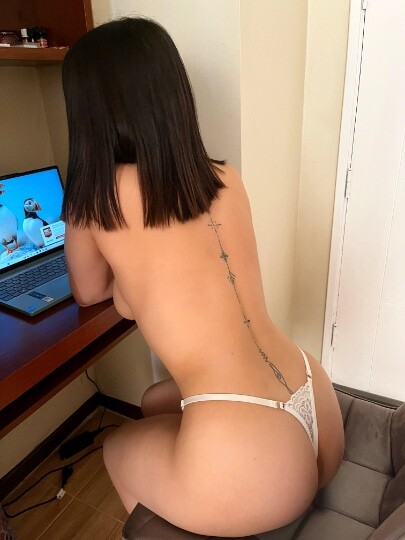
Mis amores bellos 🧡 se dieron cuenta que actualicé mis fotitos? Pronto vendrán más fotitos y videos 🔥 Me quedan pocas horitas para hoy, consulte por disponibilidad 😘
- 21 respuestas
-
-
-
-
-
-
- 7
-
-
- chilena
- CL
- 21
- certificada
-
Etiquetado con:
-
Tengo algunas horitas disponibles para hoy 💚 te gustaría dejarme los cachetitos así de rojos?
- 21 respuestas
-
-
-
-
-
-
- 12
-
-
- chilena
- CL
- 21
- certificada
-
Etiquetado con: